Showing posts with label Root App. Show all posts

Wednesday, 8 July 2015

KINGROOT APK

KINGROOT APK

The One Click Root Tool For Almost All Devices


2403567769ec2d1ddf2686c3a51063aa


KingRoot apk is an amazing tool for “lazy people” who just want to get root access but don’t want to flash any third party Recovery into their lovely device. It is one of the most famous root tool in China and now we release English version here for everyone, totally free and without AD.
Something interesting will happen when you root your device by KingRoot, the most suitable Root strategy will be deployed from cloud, that is why we have higher success rate that some other tools. Specifically, root success rate will higher than 60% on supported device.
What’s New In v4.1 Kingroot Apk ?
  • Sony Xperia Z3 and amsung Galaxy S6 are supported now.
  • Sony , ZTE , LG and Huawei devices added to support list.
  • Better Lollipop Support
  • Now Supports Lenovo K3 Note !!
How to root using Kingroot Apk ?
  1.  Download the apk given below
  2. Install it into you device.
  3. Run it , done! KingRoot will do every other thing for you.
Supported Devices List
Note
  • Root Has risks and May void Your WARRANTY.
  • ONHAX is not responsible for any bricked Phones or anything that happens to your Phone while performing this procedure.
  • Do this at your own risk
SCREEN SHOTS


Tuesday, 7 July 2015

Root Checker Pro v3.95.2.0 APK

Root Checker Pro v3.95.2.0 APK


unnamed.

This application, Root Checker, will allow the user to confirm they have proper root ( superuser ) access configured and operational.
**** DISCLAIMER: THIS APPLICATION WILL NOT ROOT THE DEVICE ****
*Feel free to email me with any questions. I always reply!*
The goal of this application is to provide even the newest Android user with a simple method to check their device for root (administrator/superuser) access.
This is a very simple application to notify the user whether or not they have properly setup root access.
This application will test the device for root access using a very simple, quick and reliable method. The su binary is the most common binary used on Android devices to grant and manage root access. Root Checker will check and verify that the su binary is located in a standard location on the device. Root Checker will also confirm the proper permissions and flags on the su binary in addition to testing that access is granted by the su binary.
Many times users experience issues along the path of installing, configuring and gaining root access. For some users the process can seem complex while for others the process can seem simple. Regardless of the user’s technical skill set, Root Checker, will quickly and correctly verify whether or not root access is 100% functioning. The process of confirming root access is sometimes known by other terms such as, gaining superuser access or gaining administrator access. Root Checker covers all these terms as they relate to one core function, being able to execute commands with root access.
If the Superuser or SuperSU applications are installed and working properly, these applications will prompt the user to accept or deny the root access request from Root Checker. Accepting the request will allow Root Checker to check for root access. Denying the request will result in Root Checker reporting no root access.
Gaining root access varies based on manufacturer, model, and carrier. If you’re searching for root access to your device, this application will not help you. If you’re interested in rooting your device, please usehttp://www.google.com to find the appropriate rooting support areas for your specific device. Other popular web sites which provide rooting guides are http://forum.xda-developers.com and http://forum.sdx-developers.com.
Please don’t leave negative feedback about a concern, bug or issue! Instead, please email me,with your feedback, suggestions and comments!
I do my best to assist as many people as possible and appreciate all the support that has made this application successful! Thank you!

Tuesday, 23 June 2015

Greenify PRO v2.7 beta 2 APK

Greenify PRO v2.7 beta 2 APK


unnamed

Never should your phone or tablet become slower and battery hungrier after lots of apps installed. With Greenify, your device can run almost as smoothly and lastingly as it did the first day you had it!
Greenify help you identify and put the misbehaving apps into hibernation when you are not using them, to stop them from lagging your device and leeching the battery, in an unique way! They can do nothing without explicit launch by you or other apps, while still preserving full functionality when running in foreground, similar to iOS apps!
Info
  • Featured as Lifehacker’s Top 1 Utility in 2013 Best Android Apps.
  • Android Authority’s Top 3 Best Root Apps.


DOWNLOAD FROM HERE

PRO VER.

BETA VER.

Monday, 22 June 2015

Root Checker Basic 5.5.3

Root Checker Basic 5.5.3


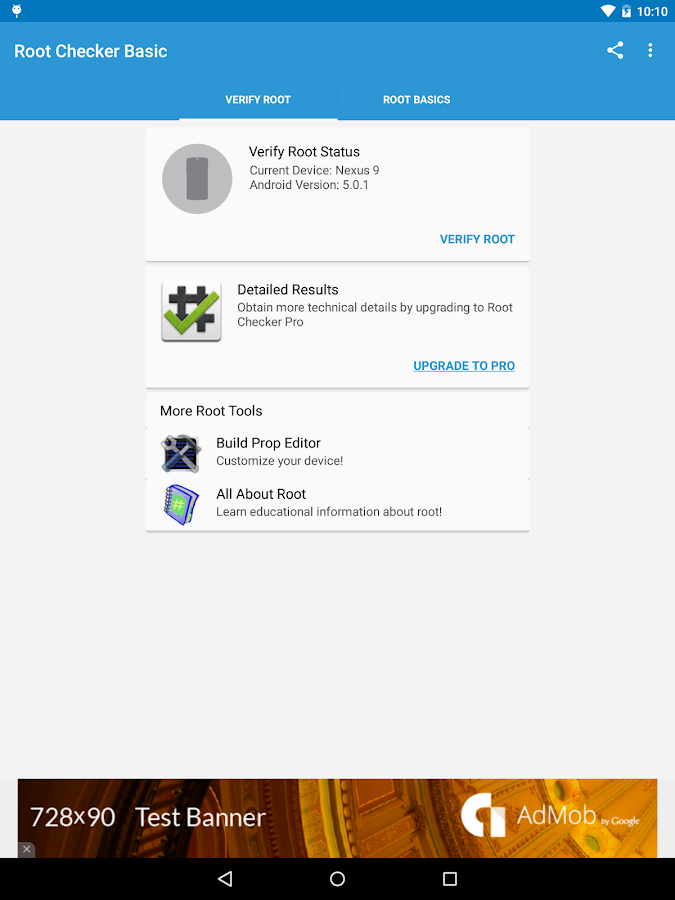
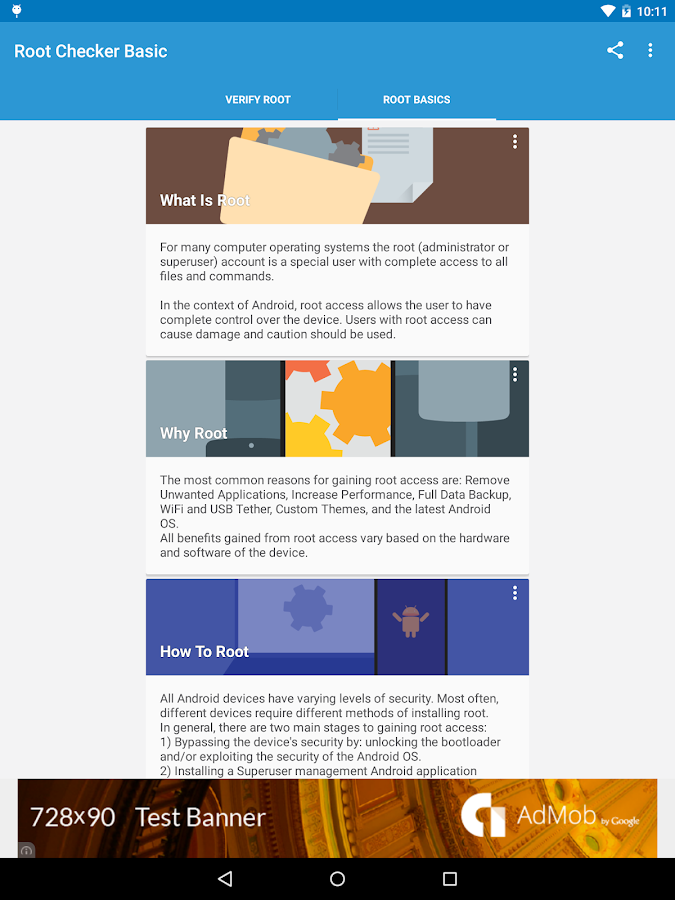
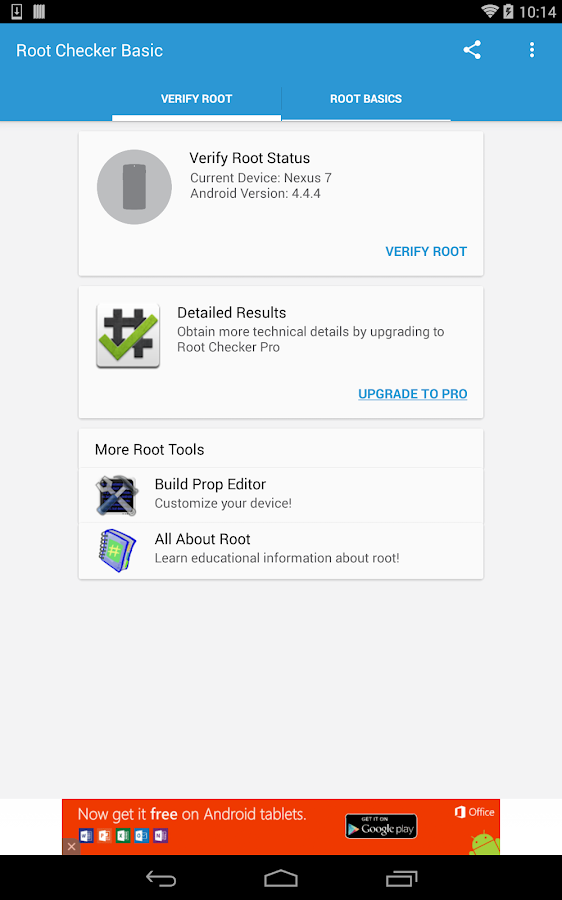
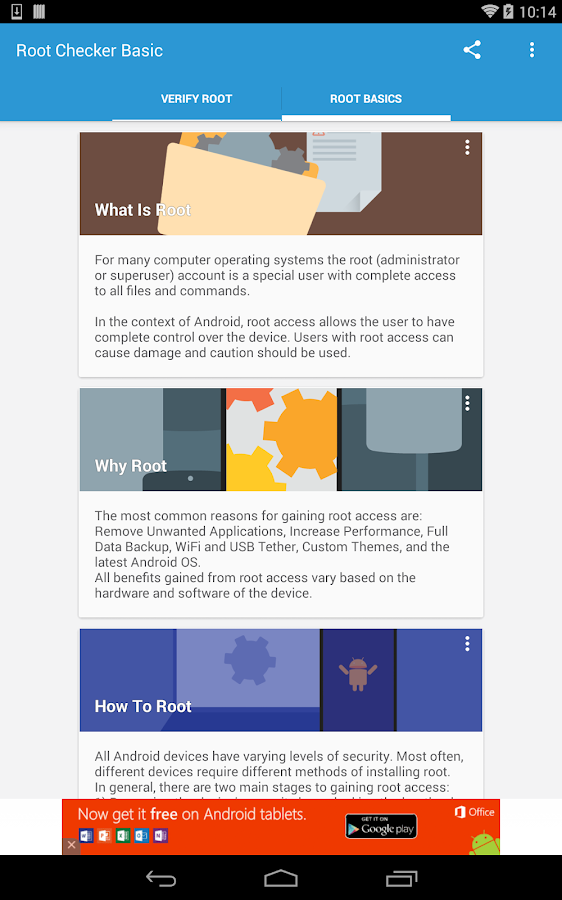
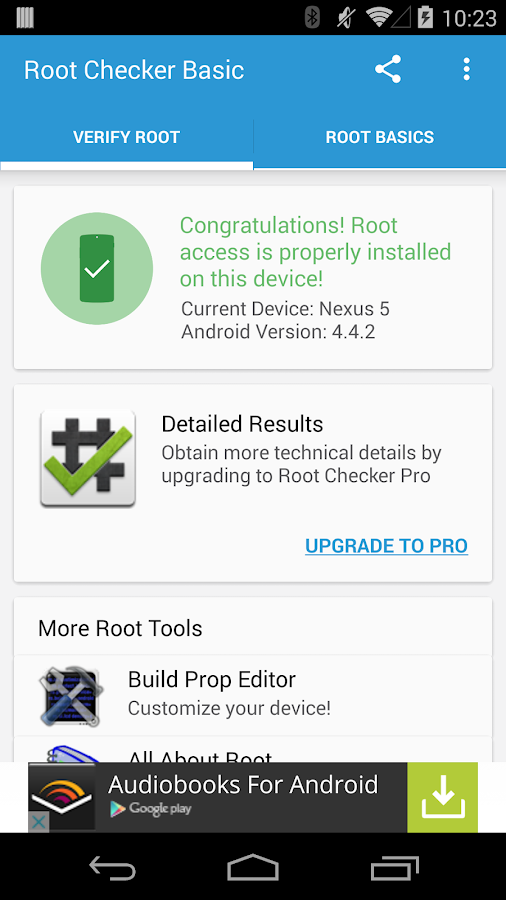
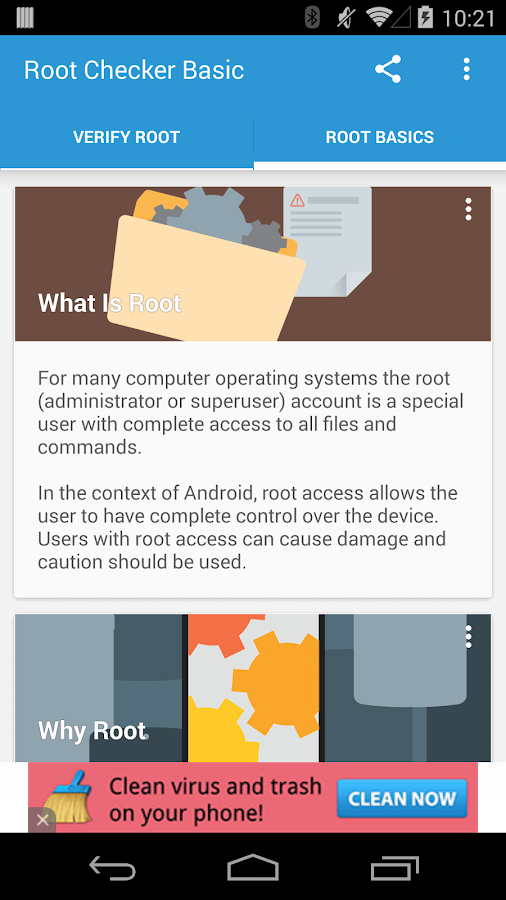
Verify proper root (superuser or su) access is configured and working using Root Checker! Free, fast, easy, and used on over 10 million Android devices, Root Checker shows the user whether or not root (superuser) access is properly installed and working.

This application provides even the newest Android user with a simple method to check their device for root (administrator, superuser, or su) access. The application provides a very simple user interface that easily notifies the user whether or not they have properly setup root (superuser) access.
*Feel free to email me with any questions. I always reply!*
This application will test the device for root (superuser) access using a very simple, quick, and reliable method that has been successful for over 10 million Android devices. The su binary is the most common binary used on Android devices to grant and manage root (superuser) access. Root Checker will check and verify that the su binary is located in a standard location on the device. In addition, Root Checker will verify that the su binary is properly functioning in granting root (superuser) access.
Many times users experience issues along the path of installing, configuring, and gaining root access. For some users the process can seem complex while for others the process can seem simple. Regardless of the user's technical skill set, Root Checker, will quickly and correctly verify whether or not root access is 100% functioning. The process of confirming root access is sometimes known by other terms such as, gaining superuser access or gaining administrator access. Root Checker covers all these terms as they relate to one core function, being able to execute commands through the su binary with root access.
If the Superuser management applications (SuperSU, Superuser, etc.) are installed and working properly, these applications will prompt the user to accept or deny the root access request from Root Checker. Accepting the request will allow Root Checker to check for and confirm root access. Denying the request will result in Root Checker reporting no root access.
Root Checker - screenshotPlease don't leave negative feedback about a concern, bug or issue! Instead, please email me, tweet me, contact me on my web site - https://joeykrim.com/contact, IRC, or on the forums (XDA, RootzWiki, SDX, etc.) with your feedback, suggestions and comments!
I do my best to assist as many people as possible and appreciate all the support that has made this application
 successful! Thank you!

SCREEN SHOTS
click here to large pic

Root Checker - screenshotRoot Checker - screenshotRoot Checker - screenshotRoot Checker - screenshotRoot Checker - screenshotRoot Checker - screenshotRoot Checker - screenshot


Friday, 22 May 2015

Root Cleaner v3.9.0 APK

Root Cleaner v3.9.0 APK


Root Cleaner

Root Cleaner is simple and effective application which a lot increases your peformance by cleaning your root system. You can choose between quick cleaning and full cleaning. Quick cleaning cleans your memory, file cache, drop caches, leftovers, etc. and you can do that without reboot. Full cleaning requires reboot, but it makes really total maintenance of your whole root system. Full cleaning is also great when you want to flash other ROM or kernel, so it will clean your device to prevent any problem. Root Cleaner also contains feature for uninstalling, clearing data and freezing or unfreezing your system and non-system applications. Root Cleaner makes your device as fast as possible just by clicking one button. If you are not satisfied with Root Cleaner you have full money back guarantee.
FEATURES
  • Quick cleaning
  • Restart system UI
  • Clean memory
  • Clean drop caches
  • Clean empty folders
  • Clean dormant folders
  • Clean useless folders
  • Clean useless files
  • Clean leftovers
  • Full cleaning
  • Battery calibration
  • Clean dalvik cache
  • Clean init.d folder
  • Fix permissions
  • Clean empty folders
  • Clean dormant folders
  • Clean useless folders
  • Clean useless files
  • Clean leftovers
  • App manager
  • Uninstall app
  • Clear app data
  • Freeze app
  • Unfreeze app
  • Info
  • Total memory
  • Internal storage
  • External storage
  • Cache
  • Data
  • System
  • Read cache
  • Log
  • Quick cleaning interval
  • Exception list for files and folders
  • Widget
  • Languages
  • English, Czech, Slovak, Russian, Italian, Arabic, Portuguese
How to Install ?
  1. Download and Install APK From The Links Given Below
  2. Done, Enjoy


KINGROOT – The One Click Root Tool For Almost All Devices

KINGROOT – The One Click Root Tool For Almost All Devices

2403567769ec2d1ddf2686c3a51063aa

KingRoot is an amazing tool for “lazy people” who just want to get root access but don’t want to flash any third party Recovery into their lovely device. It is one of the most famous root tool in China and now we release English version here for everyone, totally free and without AD.
Something interesting will happen when you root your device by KingRoot, the most suitable Root strategy will be deployed from cloud, that is why we have higher success rate that some other tools. Specifically, root success rate will higher than 60% on supported device.
How To Root Using KingRoot ?
  1.  Download the apk given below
  2. Install it into you device.
  3. Run it , done! KingRoot will do every other thing for you.
Note
  • Root Has risks and May void Your WARRANTY.
  • ONHAX is not responsible for any bricked Phones or anything that happens to your Phone while performing this procedure.
  • Do this at your own risk

Download
KingRoot 4.0.1 Apk (6.3 mb)  

Thursday, 21 May 2015

Greenify 2.6.2 Beta 6 Pro Apk

Greenify 2.6.2 Beta 6 Pro Apk

unnamed23

Never should your phone or tablet become slower and battery hungrier after lots of apps installed. With Greenify, your device can run almost as smoothly and lastingly as it did the first day you had it!
Greenify help you identify and put the misbehaving apps into hibernation when you are not using them, to stop them from lagging your device and leeching the battery, in an unique way! They can do nothing without explicit launch by you or other apps, while still preserving full functionality when running in foreground, similar to iOS apps!

How To Install ?
Note:- Please Note That Greenify Requires A “Rooted” Device For Some Features
  1. Please remove all previous version of Greenify and Donation Package at first!!!
  2. Install Greenify
  3. Download and install Xposed installer from Link Below
  4. Install the “Framework” in the “Xposed Installer” and activate “Greenify” in “Modules”.
  5. Open Xposed installer, select greenify inside modules tab, open framework tab then press install/update
  6. Reboot
  7. Done! Enjoy


Saturday, 9 May 2015

ROOTx v2.2 Root almost all Android Devices

ROOTx v2.2 Root almost all Android Devices


rx


The ROOTx App can root almost any android at no cost or any installation of new roms !!
Compability
  • SAMSUNG GALAXY Y,Y DUOS AND ALL SGY MODELS
  • HTC (ONLY AFTER S-OFF AND GOLDCARD)
  • SAMSUNG GALAXY S SERIES
  • SONY EXPERIA Z, J, L (REST NOT TESTED)( unlocked bootloader only)
  • SAMSUNG ACE,ACE DUOS
  • KARBONN A5,A7,A7+
  • ALL MICROMAX ANDROID MODELS(Bootloader unlocked)
  • SWIPE TABLETS AND PHABLET (X74,X74S,HALO,AND ALL OTHERS)
  • Micromax bolt series(boot loader unlocked)
  • Samsung gt I5510/I550
  • Samsung galaxy Note/Note 2
  • Samsung Galaxy S4 (All Ee locked and us simlocked are supported!!) (New tested)
  • Samsung galaxy Grand/Spica
  • Samsung gt 551/t-red versions too (vietnamese)
  • MID Generic tablets (all versions)
  • DIFRNCE DIT4350
  • Karbonn A12, A15, A21, A30
  • fake galaxy s1,2,3,4 ( MKT DEVICES )
  • Karbonn Smart Tab 1,7,8,10
  • ( smart tab 2 is bootlocked with new firmware  )
    FPT F8, KTouch w619 , Karbonn A5
  • Galaxy Note 800
  • Magicon MNote
  • Old XOLO FIRMWARES ( devices before A500 )
  • Sky Vega Racer IM-a770k ICS
  • Sky Vega Racer IM-a760k ICS
  • Pyle Astro PTBL92BC
  • Audiosonic 7″ Quad Core T7-QC Tablet
Instruction
  1. Plug your phone via USB Cable
  2.  turn on your device
  3. allow unsigned programs
  4. enable USB debugging and Choose an
  5. Choose an Option Below
  6. Type it in and hit enter Twice :)
Screenshot
Rootx_2.2


Download


Thursday, 7 May 2015

LUCKY PATCHER v5.6.2

LUCKY PATCHER v5.6.2


Lucky Patcher is a great Android tool to remove ads, modify Permissions, bypass premium applications license verification, and more. You can use this patches to break some apps Android Market License Verification or other verification To use this application, you need a rooted device. All credits to Chelpus.
NOTE: This app has No Ads
Changelog : v5.6.2
  • Fix “Change permissions save original signature”.
  • Custom patches added.
How to use it?
  • Download the given apk file
  • Install it and launch application and you will see all the applications explaining all types of apps
  • It will explain all the apps behaviour, either it has google ads, licence verification or any other restriction
  • Just apply path to it and you are done.


Screenshots

Important Notes
ROOTING REQUIRED!
    • Stable functioning of Lucky Patcher can’t be guaranteed . So you are solely responsible for use of this application
    • Under no circumstances On HAX will be responsible for any problems caused to your device (rebooting loop, unstable system, etc…)


Wednesday, 29 April 2015

Greenify 2.6.2 Beta 4 Cracked Apk

Greenify 2.6.2 Beta 4 Cracked Apk


Never should your phone or tablet become slower and battery hungrier after lots of apps installed. With Greenify, your device can run almost as smoothly and lastingly as it did the first day you had it!
Greenify help you identify and put the misbehaving apps into hibernation when you are not using them, to stop them from lagging your device and leeching the battery, in an unique way! They can do nothing without explicit launch by you or other apps, while still preserving full functionality when running in foreground, similar to iOS apps!
Greenify NEVER EVER collects your personal data despite the capability of accessibility service, it just takes advantage of it to automate things.
IMPORTANT: Greenifying an app implies that you are aware that all the background functionality (service, periodic task, event receiver, alarm, widget update, push message) of this app will become out of service during the hibernation except when you are using this app.

Features
  1. NEVER greenify alarm clock apps, instant messaging apps unless you don’t rely on them. Please do verify the impact of greenified apps on which you heavily rely.
  2. Compared to other popular tools aimed for the similar purpose, Greenify offers the following advantages:
  3. Unlike the “Freeze” feature in “TitaniumBackup Pro” that totally disable the app, you can still use your app as usual, share content with it. No need to freeze & defrozen it.
  4. Unlike “Autostarts”, you can benefit from almost all of its advantages, without needing to deal with the complexity and risk of obscure app components, and never lose functionality when app is actively running.
  5. Unlike any “XXX Task Killer”, your device will never fall into the cat-mouse-game of stealthy-running and aggressive killing, which unnecessarily consumes more battery juice.
  6. Note: Greenify do need a background persistent “Cleaner” service to put the greenified apps back into hibernation when you are not actively using them. It is designed and implemented in extremely lightweight, with an average RAM footprint at 3M in total, and nearly zero CPU and battery consumption.
What’s New ? In 2.6.2 Beta 4
  1. Fixed xposed not recognized problem in beta2.
How To Install ?
Note:- Please Note That Greenify Requires A “Rooted” Device For Some Features
  1. Please remove all previous version of Greenify and Donation Package at first!!!
  2. Install Greenify
  3. Download and install Xposed installer : HERE
  4. Install the “Framework” in the “Xposed Installer” and activate “Greenify” in “Modules”.
  5. Open Xposed installer, select greenify inside modules tab, open framework tab then press install/update
  6. Reboot
  7. Done! Enjoy :)