Showing posts with label Google Apps. Show all posts

Wednesday, 8 July 2015

Google Play Store 5.7.6

Google Play Store 5.7.6


The APK is signed by Google and upgrades your existing app. The cryptographic signature guarantees that the file is safe to install and was not tampered with in any way. Rather than wait for Google to push this download to your devices, which can take days, download and install it just like any other APK.
File Name: Google Play Store 5.7.6 by CoolTrickz.com.apk
Version: 5.7.6
MD5: 0f3a5106e6742c68d66b598f618735be

Adobe Photoshop Mix 1.1.482

Adobe Photoshop Mix 1.1.482


Transform your photography with Photoshop Mix. Cut out and combine images, change colors and enhance your photos anytime, anywhere. Share your creations with friends via social media and send them to Photoshop CC on your desktop for advanced photo editing.
• Cut out and remove sections of your images or merge multiple photos.
• Seamlessly combine photos together to create fun or surreal images.
• Adjust colors and contrast or apply preset FX Looks (filters) to your pictures. Enhance the entire image, or just a portion with the touch of your finger.
• Non-destructive editing means your original pics stay pristine and untouched.
• Quickly and easily share your creations on social media.
GET CONNECTED TO CREATIVE CLOUD
Love photography? Check out the Creative Cloud Photography plan. It gives you Lightroom and Photoshop, the most powerful editing tools around. With Creative Cloud, you can open and edit Photoshop files in Mix and send compositions to Photoshop CC for further refinement—layers, masks and all. Or open and mix Lightroom images. And all your edits are synced across all your computers and devices. Make a change on you Android phone, it’ll show up on your desktop. Take your photography further with the Creative Cloud Photography plan.
ADOBE ID
Sign up for an Adobe ID through Mix for free. Use your Adobe ID to keep track of your purchases, membership, updates and trials of Adobe apps and services. You can also use it to register products, track orders, contact Adobe Support and participate in Adobe forums and events.
INTERNET CONNECTION & ADOBE ID REQUIRED
Adobe online services, including the Adobe Creative Cloud service, are available only to users 13 and older and require registration and agreement to additional terms and Adobe's online privacy policy athttp://www.adobe.com/special/misc/privacy.html. Adobe online services are not available in all countries or languages, may require user registration and may be subject to change or discontinuation without notice.

Friday, 26 June 2015

YouTube 10.24.57

YouTube 10.24.57


Get the official YouTube app for Android phones and tablets. See what the world is watching -- from the hottest music videos to what’s trending in gaming, entertainment, news, and more. Subscribe to channels you love, share with friends, and watch on any device.
YouTube, your way
* Check out all the world’s videos and personalized recommendations
* Subscribe to your favorite channels to keep up-to-date
* Send videos from your phone or tablet to your Chromecast, game console, or smart TV
More music at your fingertips
* Easily find the artists you love and discover new recommendations on your music homepage
* Jam to a YouTube Mix, an infinite playlist of songs with unlimited skips
* Enjoy all the music you love from your favorite artists, along with concerts, remixes, parodies, covers, and one-of-a-kind collaborations you can only find on YouTube


Wikipedia Beta 2.0.104-beta-2015-06-25

Wikipedia Beta 2.0.104-beta-2015-06-25


Welcome to the Wikipedia Beta for Android! We’re excited to offer a major update to the Wikipedia Android app for beta testing before our full market release.
What’s new in this app:
* A major design update (we went native!)
* Editing – help improve Wikipedia articles from your phone!
* Everything is faster, whether you’re searching, browsing, or settling a bar bet
* Table of contents to help you navigate long article and get to the information you need
* Wikipedia Zero support – data charges waived for participating mobile operators (Wikipedia as always is of course freely licensed)
Additional features:
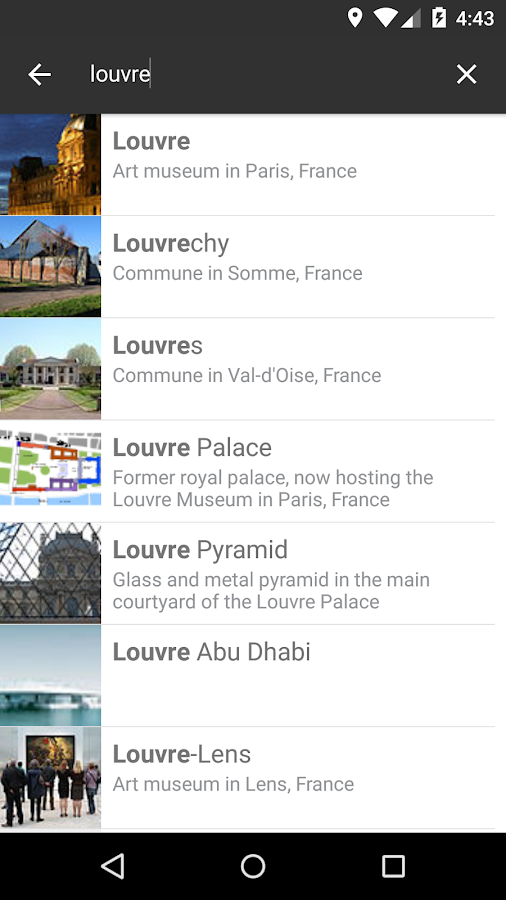
* Search any language Wikipedia
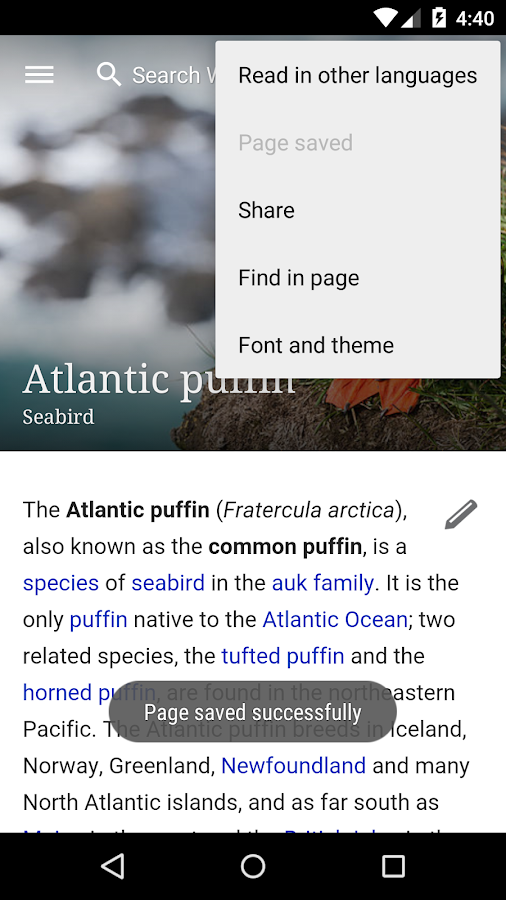
* Bookmark pages
* Random article
* Recent browsing history
You can install Wikipedia Beta alongside your current version of Wikipedia for Android, so you can test our new features before they go live for all Wikipedia for Android users. Your feedback will help us fix bugs and decide what features to focus on next.Please help us improve this app by leaving feedback here or sending a note to our mailing list, mobile-android-wikipedia@wikimedia.org
Wikipedia Beta - screenshotWikipedia Beta - screenshotWikipedia Beta - screenshotWikipedia Beta - screenshotWikipedia Beta - screenshotWikipedia Beta - screenshot


Tuesday, 23 June 2015

Google Hindi Input 2.3.0.96391319

Google Hindi Input 2.3.0.96391319


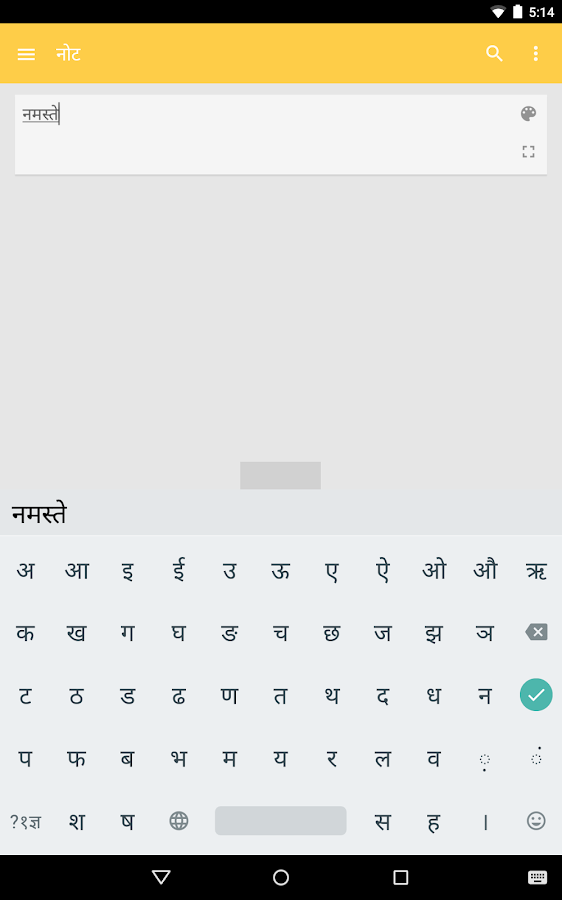
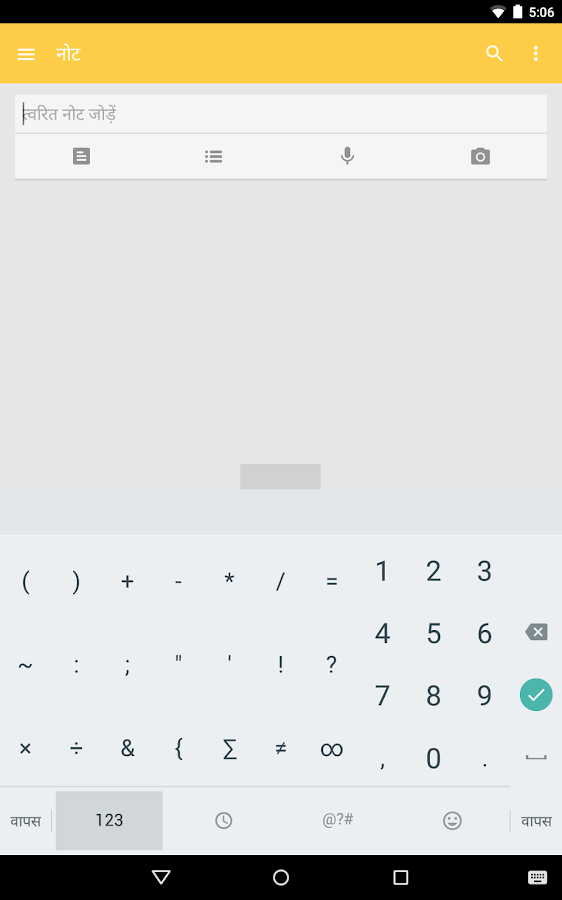
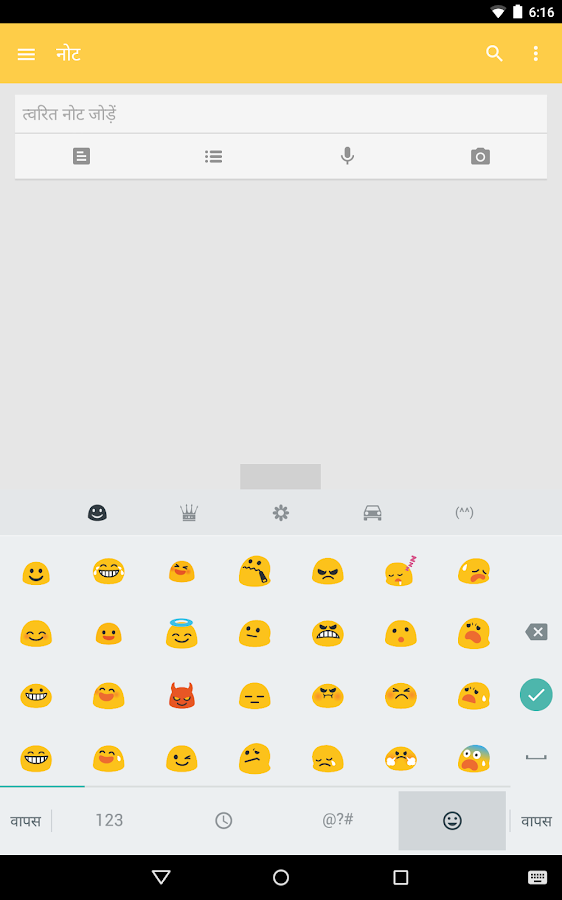
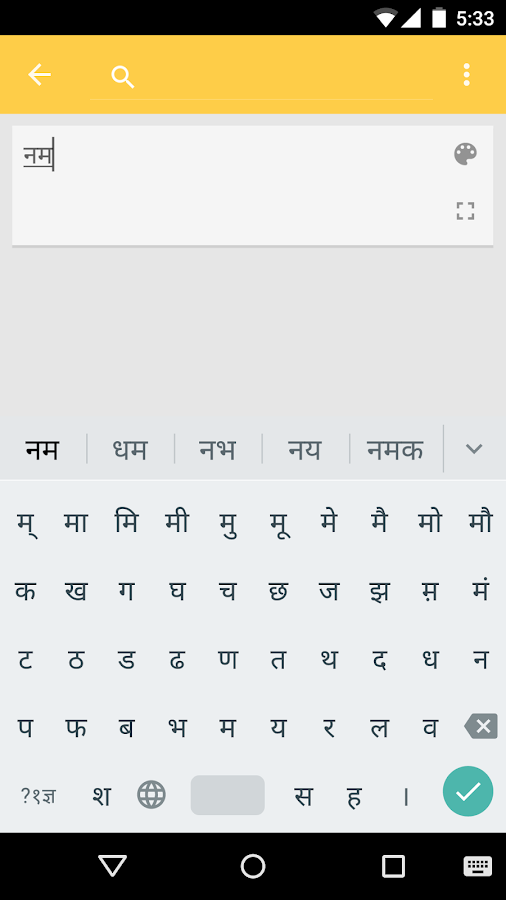
Google Hindi Input is an Indic keyboard which allows you to type messages, update on social networks or compose emails in Hindi on your Android phone. If you can read नमस्ते correctly on your phone, then you may install and use Google Hindi Input, otherwise your phone may not support Devanagari script.
How can I enable it and set it as the default input method/keyboard on my Android phone?
- On Android 5.x and newer versions:
Open Settings -> Language & Input, under “KEYBOARD & INPUT METHODS” section, go to Current Keyboard -> Choose Keyboards -> Check “Google Hindi Input” -> back to “Language & input” -> Current Keyboard -> Select “Hinglish & Hindi Google Hindi Input”
When typing in an input box, you can also change the default input method by clicking the keyboard icon on the bottom right corner of the screen.
- On Android 4.x:
Open Settings -> Language & Input, under “KEYBOARD & INPUT METHODS” section, check Google Hindi Input, then click Default and select “Hindi” in the “Choose input method” dialog.
When typing in an input box, you can also change the default input method by selecting “Choose input method” in the Notification area.
How can I enable/disable Hinglish, Hindi or handwriting keyboard?
Go to Settings->Language & Input->Google Hindi Input->Keyboard, under “Select keyboard type” section, check the keyboard types you like.
How can I change keyboard theme?
Pick the theme you like at Settings->Language & Input->Google Hindi Input->Keyboard->Keyboard theme.
How can I use this application?
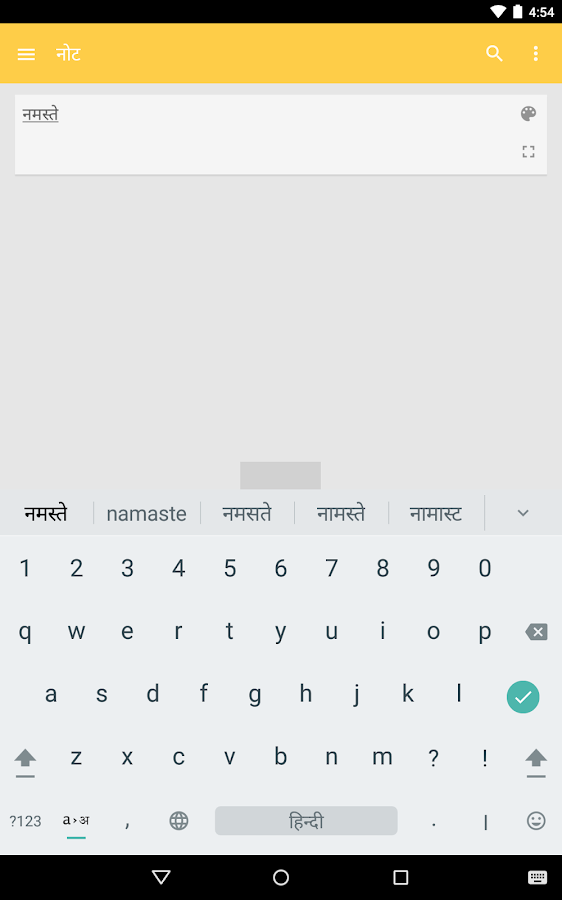
Hindi transliteration
- Toggle the button “a->अ” on English keyboard to turn on/off transliteration mode.
- In the transliteration mode, you can type Hindi word in English characters and the app will convert them to Hindi.
- For example, type “hindi” and then you will get the word हिंदी from a list.
English
- By turning off the transliteration mode on English keyboard (by pressing the button “a->अ” again), you can type in English.
Hindi keyboard
- Toggle the globe button to switch between English and Hindi keyboard
- Vowels are changed to matra automatically after typing consonants.
- Long press characters(vowels and consonants) to type variations of characters. For example, long press “ई” you can type “ई” or “ी”, long press “क” you can type क, कं, क्र or र्क.

SCREEN SHOTS

Google Hindi Input - screenshotGoogle Hindi Input - screenshotGoogle Hindi Input - screenshotGoogle Hindi Input - screenshotGoogle Hindi Input - screenshot


Friday, 19 June 2015

Twitter 5.65.0-alpha.297

Twitter 5.65.0-alpha.297


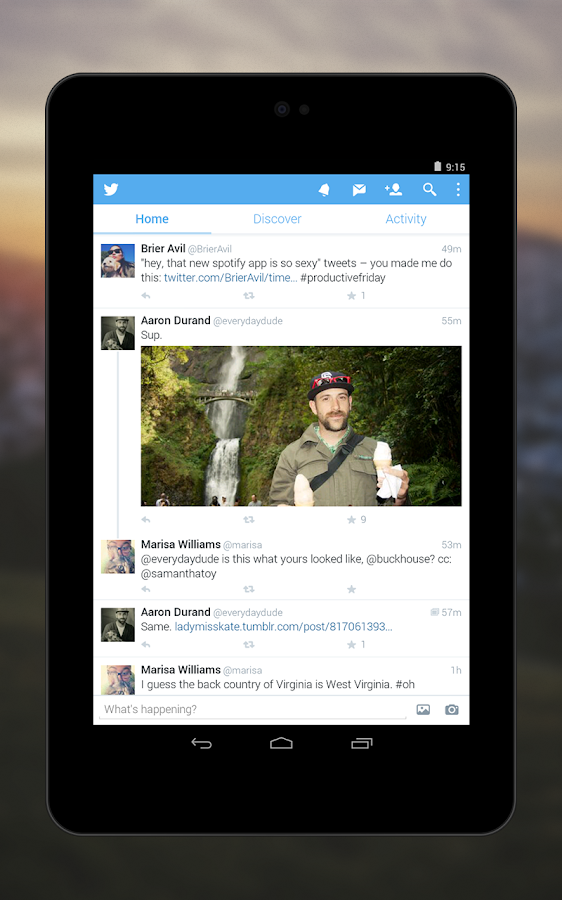
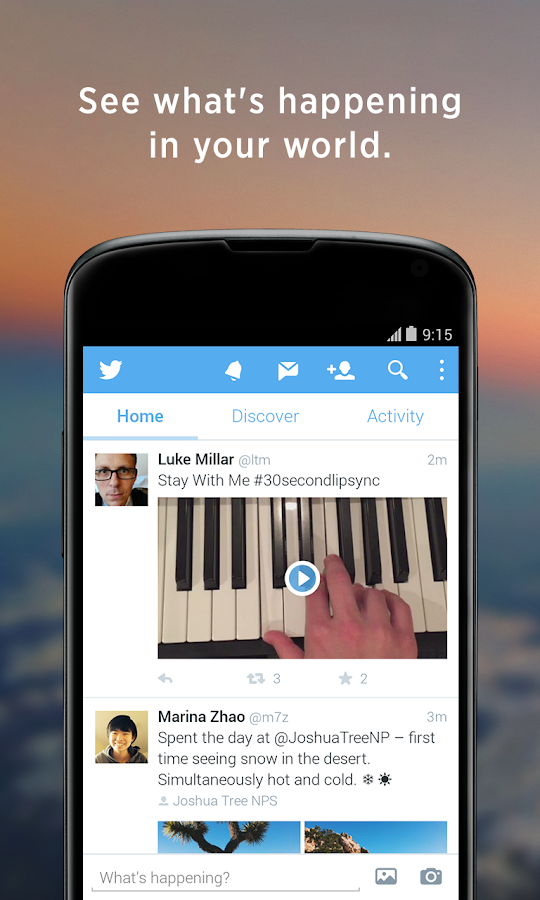
Twitter is a free app that lets you connect with people, express yourself, and discover more about all the things you love.
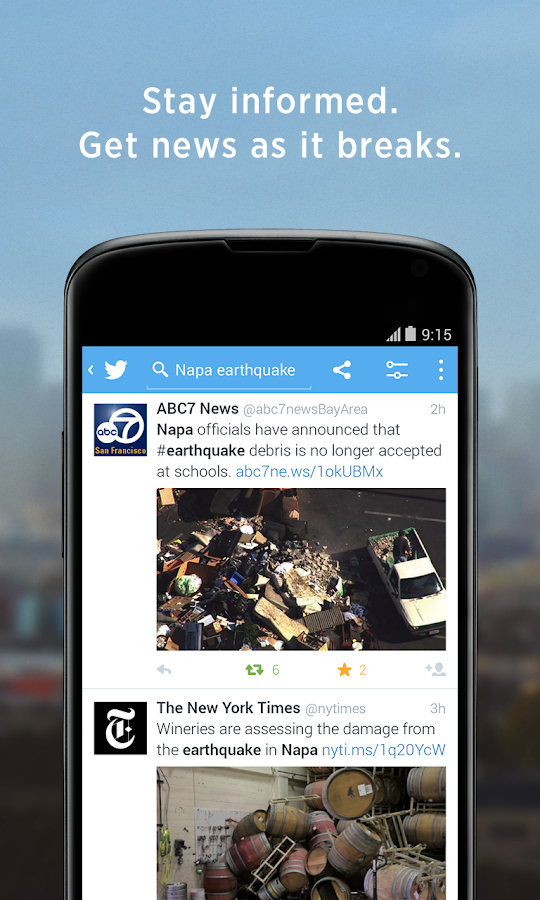
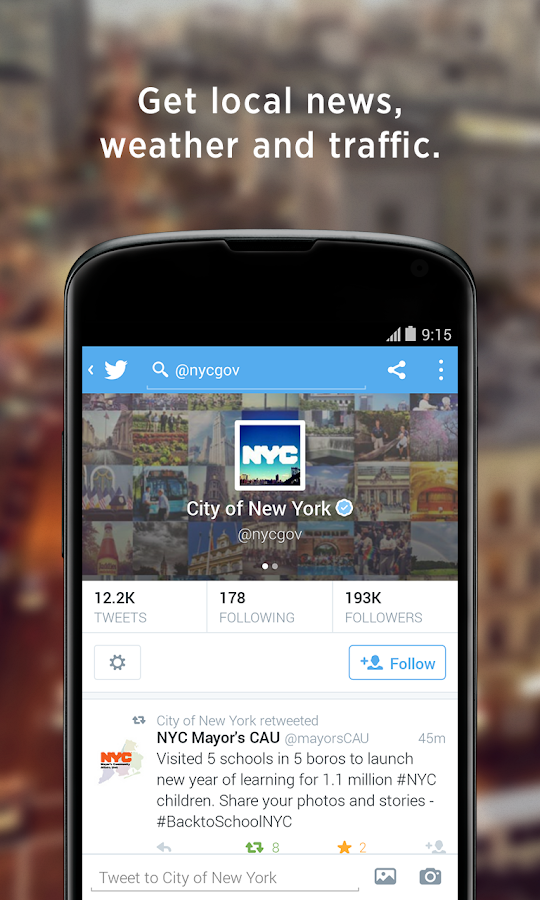
• Get breaking news. Stay informed with the local and global news that matters to you most, as it happens.
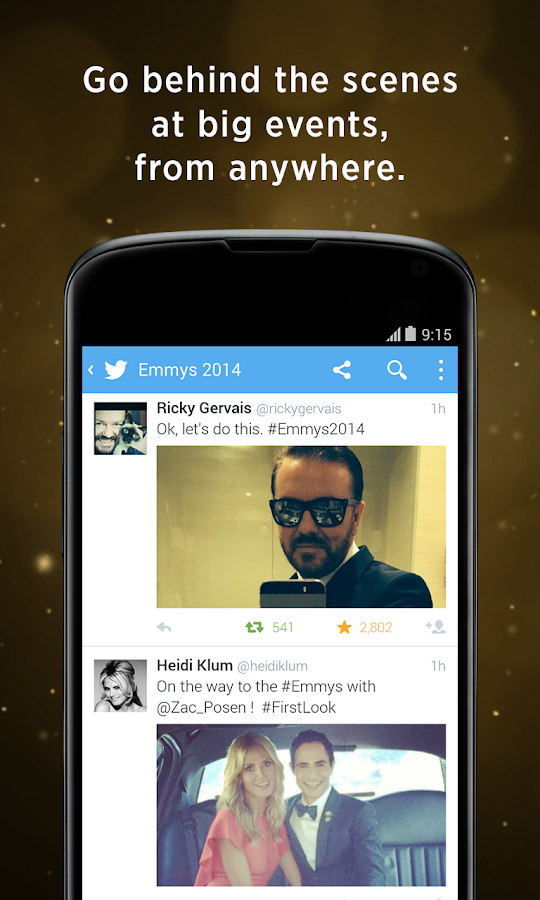
• Go behind the scenes at exclusive events like the Oscars, the Emmys, the MTV VMA's and the World Cup.
• Express yourself with text, photos, emoji, emoticons, video, GIFs and Vines.
• Use hashtags (like #NFL) to find more Tweets about topics you love.
• Get closer to people who interest you, including celebrities like Kim Kardashian, Harry Styles and Rihanna.
• Share Tweets with apps like Facebook, Whatsapp, Kik, LINE, email and SMS.
• Tweet links from sites like YouTube, Pinterest, Instagram, Spotify and Pandora.


SCREEN SHOTS

Twitter - screenshotTwitter - screenshotTwitter - screenshotTwitter - screenshotTwitter - screenshot


Tuesday, 16 June 2015

Outlook 1.2.17

Outlook 1.2.17


The official Microsoft Outlook app for Android phones and tablets. 
Outlook is a free email app that helps you get more done from anywhere with one unified view of your email, calendar, contacts, and attachments. Outlook automatically surfaces your most important messages – across all your email accounts. Swipe to quickly delete, archive, or schedule messages you want to handle later. Easily view your calendar, share available times, and schedule meetings. And attach files from your email, OneDrive, or Dropbox with just a few taps. 

Outlook works with Microsoft Exchange, Office 365, Outlook.com (including Hotmail, MSN), Gmail, Yahoo Mail, and iCloud. 

------------------------------ 

Why use Outlook?

Manage your inbox 
• Outlook automatically triages your inbox for you, surfacing your most important email. Less relevant email is placed in your “Other” inbox. 
• Swipe to quickly delete, archive, or schedule messages. 
• Schedule emails and they will return to your inbox at a later time. 

Your calendar built-in 
• Switching between your email and calendar apps is a thing of the past. Outlook includes your calendar and notifies you with appointment reminders. 
• Find available meeting times and share them in email or schedule a meeting. 

Attachments made easy 
• View and attach any file from your email, OneDrive, Dropbox, and other accounts with just a few taps. 
• Send large files even if you haven’t downloaded them to your phone. 

Find anything fast 
• Filter your inbox to only show messages that are unread, flagged, or have attachments, with a single tap. 
• Quickly find the right messages, people and files by typing just a few letters. 
• Outlook shows people you communicate with most often, and lets you conveniently drill down to see all related emails, meetings and files. 

------------------------------ 

Feedback or questions?

• We want your feedback to make Outlook better! Please share your comments within the app by going to Settings>Help>Contact Support. We read all feedback. 
• See the answers to frequently asked questions by going to Settings>Help>FAQs. 

------------------------------ 

Like Outlook?

Try our other Microsoft apps for Android tablets: Word, Excel, PowerPoint, OneNote, OneDrive, and Skype.

Chrome Dev 45.0.2433.3

Chrome Dev 45.0.2433.3


Welcome to Chrome Dev for Android!
• Live on the bleeding edge: Try out our latest features. (They'll be rough around the edges!)
• Give early feedback: Let us know what you think and help make Chrome for Android a better browser.
You can install Chrome Dev alongside other channels of Chrome for Android.

Wednesday, 10 June 2015

Twitter 5.62.0

Twitter 5.62.0


Twitter is a free app that lets you connect with people, express yourself, and discover more about all the things you love.
• Get breaking news. Stay informed with the local and global news that matters to you most, as it happens.
• Go behind the scenes at exclusive events like the Oscars, the Emmys, the MTV VMA's and the World Cup.
• Express yourself with text, photos, emoji, emoticons, video, GIFs and Vines.
• Use hashtags (like #NFL) to find more Tweets about topics you love.
• Get closer to people who interest you, including celebrities like Kim Kardashian, Harry Styles and Rihanna.
• Share Tweets with apps like Facebook, Whatsapp, Kik, LINE, email and SMS.
• Tweet links from sites like YouTube, Pinterest, Instagram, Spotify and Pandora.

Chrome Dev 45.0.2427.6

Chrome Dev 45.0.2427.6


Welcome to Chrome Dev for Android!
• Live on the bleeding edge: Try out our latest features. (They'll be rough around the edges!)
• Give early feedback: Let us know what you think and help make Chrome for Android a better browser.
You can install Chrome Dev alongside other channels of Chrome for Android.

YouTube 10.21.58

YouTube 10.21.58


Description

Get the official YouTube app for Android phones and tablets. See what the world is watching -- from the hottest music videos to what’s trending in gaming, entertainment, news, and more. Subscribe to channels you love, share with friends, and watch on any device.
YouTube, your way
* Check out all the world’s videos and personalized recommendations
* Subscribe to your favorite channels to keep up-to-date
* Send videos from your phone or tablet to your Chromecast, game console, or smart TV
More music at your fingertips
* Easily find the artists you love and discover new recommendations on your music homepage
* Jam to a YouTube Mix, an infinite playlist of songs with unlimited skips
* Enjoy all the music you love from your favorite artists, along with concerts, remixes, parodies, covers, and one-of-a-kind collaborations you can only find on YouTube

Friday, 5 June 2015

Google Play services 7.6.03

Google Play services 7.6.03


Uploader's notes:
To figure out the right version of Google Play services for your Android device, go to Settings -> Apps -> Google Play services, and look at the last 3 numbers in the parentheses. You'll see something like -XYZ where:
* X defines Android version:
  • 0 for Android <5.0
  • 4 and 7 for Android >=5.0
  • 8 for Android TV
* Y defines CPU architecture:
  • 1 for armeabi
  • 3 for armeabi-v7a
  • 4 for arm64-v8a
  • 7 for x86
* Z defines DPI:
  • 0 for universal
  • 2 for 160
  • 4 for 240
  • 6 for 320
  • 8 for 480
Notes:
  • It seems that -7YZ builds became -4YZ with Google Play services 6.5. If you were on -7YZ before, you should now install -4YZ.
  • Looks like -8YZ builds are for Android TV.
Examples:
  • -014 for Android <5.0 armeabi CPU 240 DPI device
  • -438 for Android 5.0+ armeabi-v7a CPU 480 DPI device
  • -876 for Android TV x86 CPU 320 DPI device

Hangouts 3.3.94322993

Hangouts 3.3.94322993 


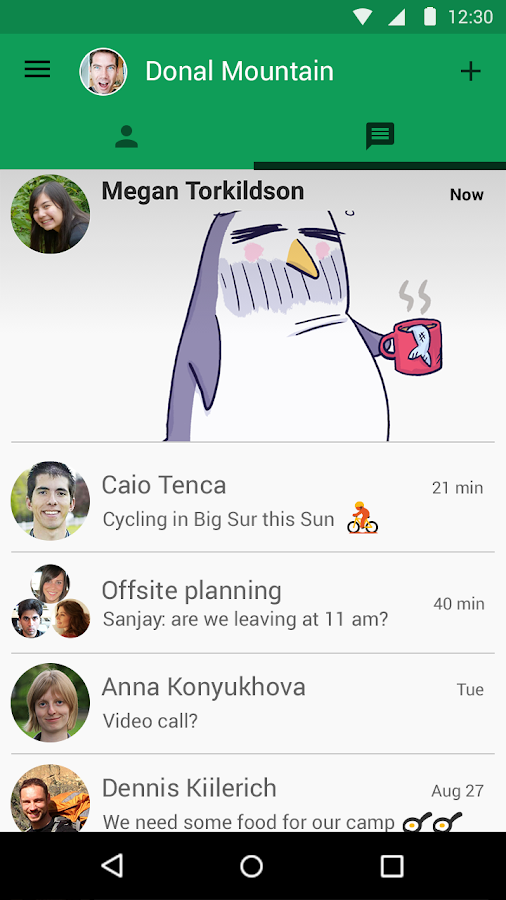
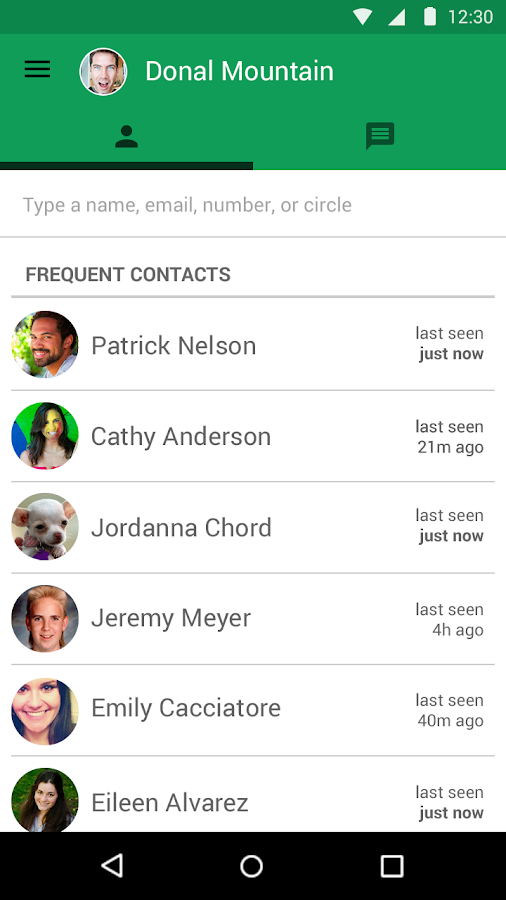
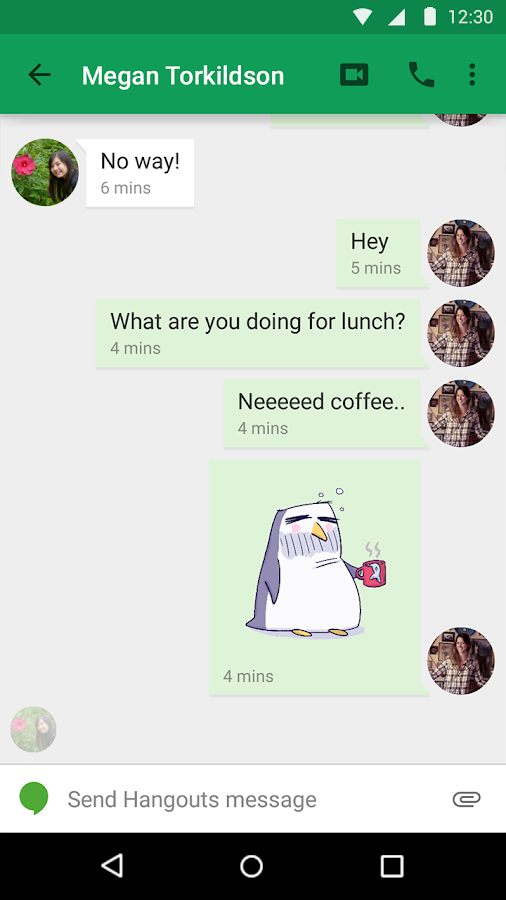
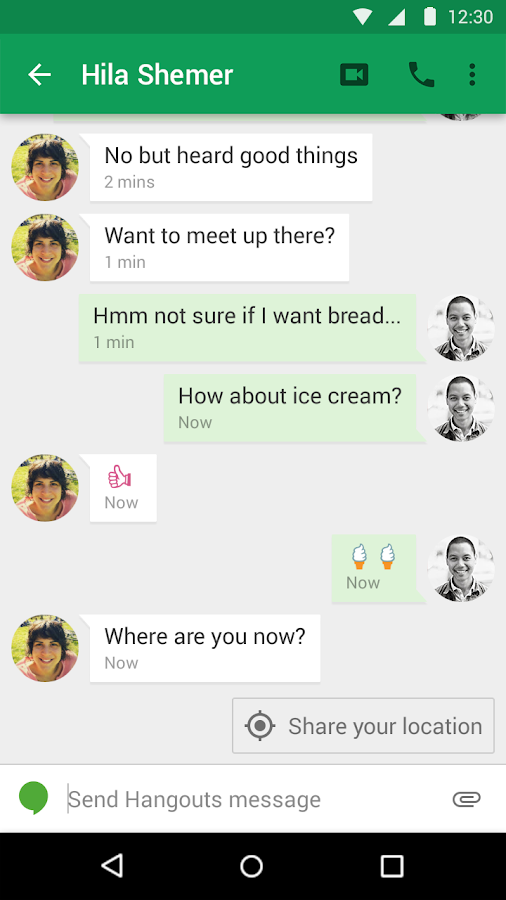
Use Hangouts to keep in touch. Message friends, start free video or voice calls, and hop on a conversation with one person or a group. Say more with photos, stickers, and emoji.
● Send and receive both Hangouts and text messages (SMS/MMS) and easily switch between message types.
● Include all your friends with group chats for up to 100 people.
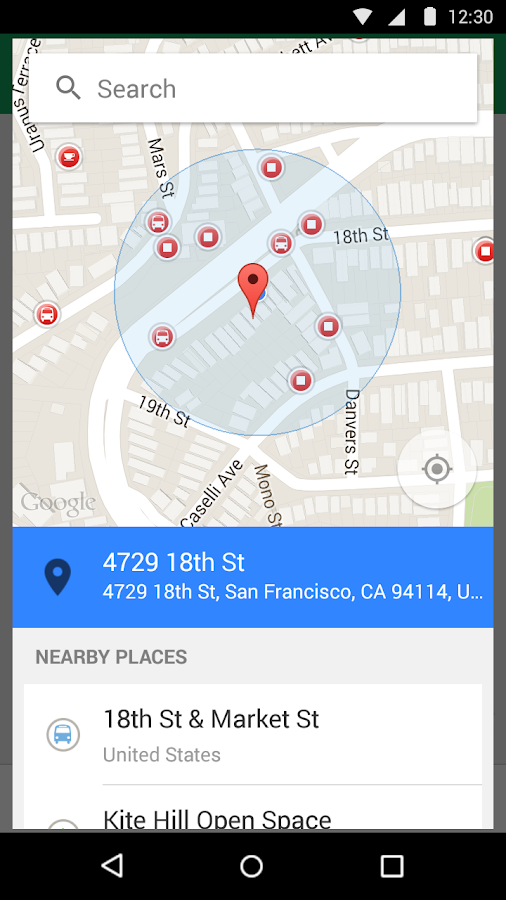
● Say more with photos, maps, emoji, stickers, and animated GIFs.
● Turn any conversation into a free group video call with up to 10 friends.
● Call any phone number in the world (and all calls to other Hangouts users are free!).
● Connect your Google Voice account for phone number, SMS, and voicemail integration.
● Keep in touch with friends across Android, iOS, and the web, and sync chats across all your devices.
● Message friends anytime, even if they’re offline.

Notes: Mobile carrier and ISP charges may apply. Calls to Hangouts users are free, but other calls might be charged. View our calling rates at https://www.google.com/hangouts/rates

Hangouts - screenshotHangouts - screenshotHangouts - screenshotHangouts - screenshotHangouts - screenshotHangouts - screenshot


Saturday, 30 May 2015

Instagram 6.23.0

Instagram 6.23.0


Description

Instagram is a simple way to capture and share the world's moments. Transform your everyday photos and videos into works of art and share them with your family and friends.
See the world through somebody else's eyes by following not only the people you know, but inspirational Instagrammers, photographers, athletes, celebrities and fashion icons. Every time you open Instagram, you'll see new photos and videos from your closest friends, plus breathtaking moments shared by creative people across the globe.
Over 300 million people use Instagram to:
* Edit photos and videos with free, custom-designed filters.
* Improve photos with 10 advanced creative tools to change brightness, contrast and saturation as well as shadows, highlights and perspective.
* Find people to follow based on the accounts and photos they already love.
* Instantly share photos and videos on Facebook, Twitter, Tumblr and other social networks.
* Connect with Instagrammers all over the world and keep up with their photos and videos.
* Send private photo and video messages directly to friends.


Firefox Beta 39.0

Firefox Beta 39.0


Help refine and polish the newest features almost ready for prime time. With Firefox Beta, you get to test the latest performance, customization and security enhancements before they make it to our next version. Have an impact by helping to put the finishing touches on features and functionality.
**We need your help testing Intel x86 Atom based devices! If you have an Intel x86 Atom based device, download Firefox Beta and tell us what you think. **
Find a bug? Report it at http://mzl.la/android_bugs.
Want to know more about the permissions Firefox requests? http://mzl.la/Permissions
See our list of supported devices and latest minimum system requirements at https://www.mozilla.org/en-US/firefox/mobile/platforms/.
ABOUT MOZILLA
Mozilla is a proudly non-profit organization dedicated to keeping the power of the Web in people's hands. We're a global community of users, contributors and developers working to innovate on your behalf. When you use Firefox, you become a part of that community, helping us build a brighter future for the Web. Learn more at mozilla.org.

Notes / What's New

www.mozilla.org/en-US/firefox/android/39.0beta/releasenotes/

What’s New
NEW
Paste Android clipboard content into editable web content
NEW
Support for 'switch' role in ARIA 1.1 (web accessibility)
CHANGED
Removed support for insecure SSLv3 for network communications
CHANGED
Disable use of RC4 except for temporarily whitelisted hosts
HTML5
Enable the Fetch API by default
HTML5
Vertical text mode enabled by default on Developer Edition
HTML5
List-style-type now accepts a string value
HTML5
Implement 
HTML5
Cascading of CSS transitions and animations now matches the current spec

HTML5
Implement Cache API
HTML5
Added support for CSS Scroll Snap Points
FIXED
Improve performance for IPv6 fallback to IPv4
FIXED
Fix incomplete downloads being marked as complete by detecting broken HTTP1.1 transfers

Chrome 43.0.2357.78

Chrome 43.0.2357.78


Browse fast on your Android phone and tablet with the Google Chrome browser you love on desktop. Pick up where you left off on your other devices with tab sync, search by voice, and save up to 50% of data usage while browsing. 


• Sync Across Devices - seamlessly access and open tabs and bookmarks from your laptop, phone or tablet 

• Save Data - reduce mobile data usage by up to 50% while browsing 

• Faster Browsing - choose from search results that instantly appear as you type and quickly access previously visited pages 

• Voice Search - use the magic of Google voice search to find answers on-the-go without typing 

• Translate - easily read webpages in any language 

• Intuitive Gestures - open as many tabs as your heart desires and quickly flip through them by swiping from side to side on the toolbar 

• Privacy - use Incognito mode to browse without saving your history 

Friday, 29 May 2015

Twitter 5.62.0-alpha.290

Twitter 5.62.0-alpha.290


Description

Twitter is a free app that lets you connect with people, express yourself, and discover more about all the things you love.
• Get breaking news. Stay informed with the local and global news that matters to you most, as it happens.
• Go behind the scenes at exclusive events like the Oscars, the Emmys, the MTV VMA's and the World Cup.
• Express yourself with text, photos, emoji, emoticons, video, GIFs and Vines.
• Use hashtags (like #NFL) to find more Tweets about topics you love.
• Get closer to people who interest you, including celebrities like Kim Kardashian, Harry Styles and Rihanna.
• Share Tweets with apps like Facebook, Whatsapp, Kik, LINE, email and SMS.
• Tweet links from sites like YouTube, Pinterest, Instagram, Spotify and Pandora.
Click here to see why Twitter is requesting permission to access features on your device: